

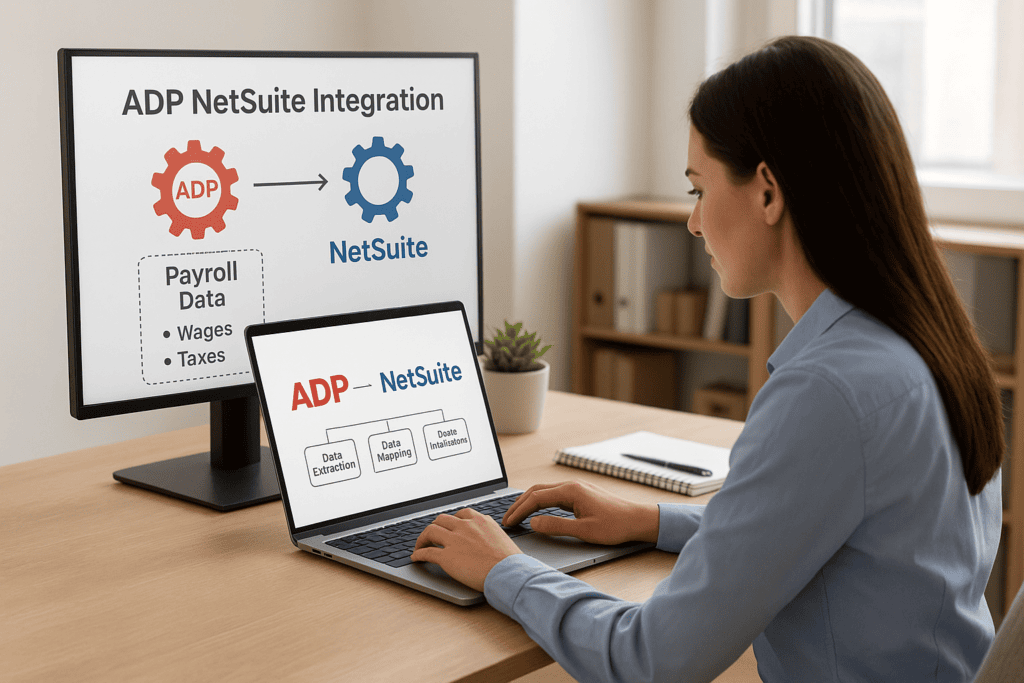
If your team is still exporting payroll files from ADP and manually keying them into NetSuite, you already know where the errors creep in. Wrong GL codes, mismatched employee IDs, journal entries that don’t tie out until someone spends a Friday afternoon chasing a $312 discrepancy. ADP NetSuite integration solves that by connecting your payroll and HR data directly to your financial system, so labor costs, tax liabilities, and benefits accruals post automatically instead of through a spreadsheet relay race.
This article gives you a straight answer on what that integration actually is and how it works under the hood, from field mapping to sync frequency to which connector fits your setup. We’ll cover the difference between middleware platforms like Celigo and Boomi, native connectors, and custom-built integrations, plus what each one costs you in maintenance down the road.
We’ve rebuilt more than a few of these integrations for finance teams who bought the wrong tool the first time. So beyond definitions, you’ll get practical setup guidance: what to check before you commit, what breaks most often, and how to judge whether your current integration is actually pulling its weight or just quietly costing you accuracy every close.
Why syncing ADP and NetSuite matters for finance teams
Payroll is one of the largest expense lines on your P&L, and it’s often the least automated part of the close. Manual re-entry between ADP and NetSuite means someone is retyping gross wages, employer tax liabilities, and benefits deductions into journal entries every single pay period. That’s not just slow, it’s a built-in error rate. A misplaced decimal or a wrong department code doesn’t just cost time to fix, it delays your close and undermines confidence in the numbers your CFO reports upward.
The real cost of manual payroll entry
Consider what a mid-sized company with 150 employees and biweekly payroll actually spends on this. If your accounting team spends four hours per pay period reconciling payroll to the GL, that’s over 100 hours a year, roughly $4,000 to $6,000 in fully loaded labor cost, spent on data entry rather than analysis. Add in the risk of misclassified labor costs skewing job costing or department budgets, and the exposure grows fast.
Every manual payroll entry is a chance for a number to be wrong twice: once when it’s typed, and again when nobody catches it before the close.
What automated sync actually fixes
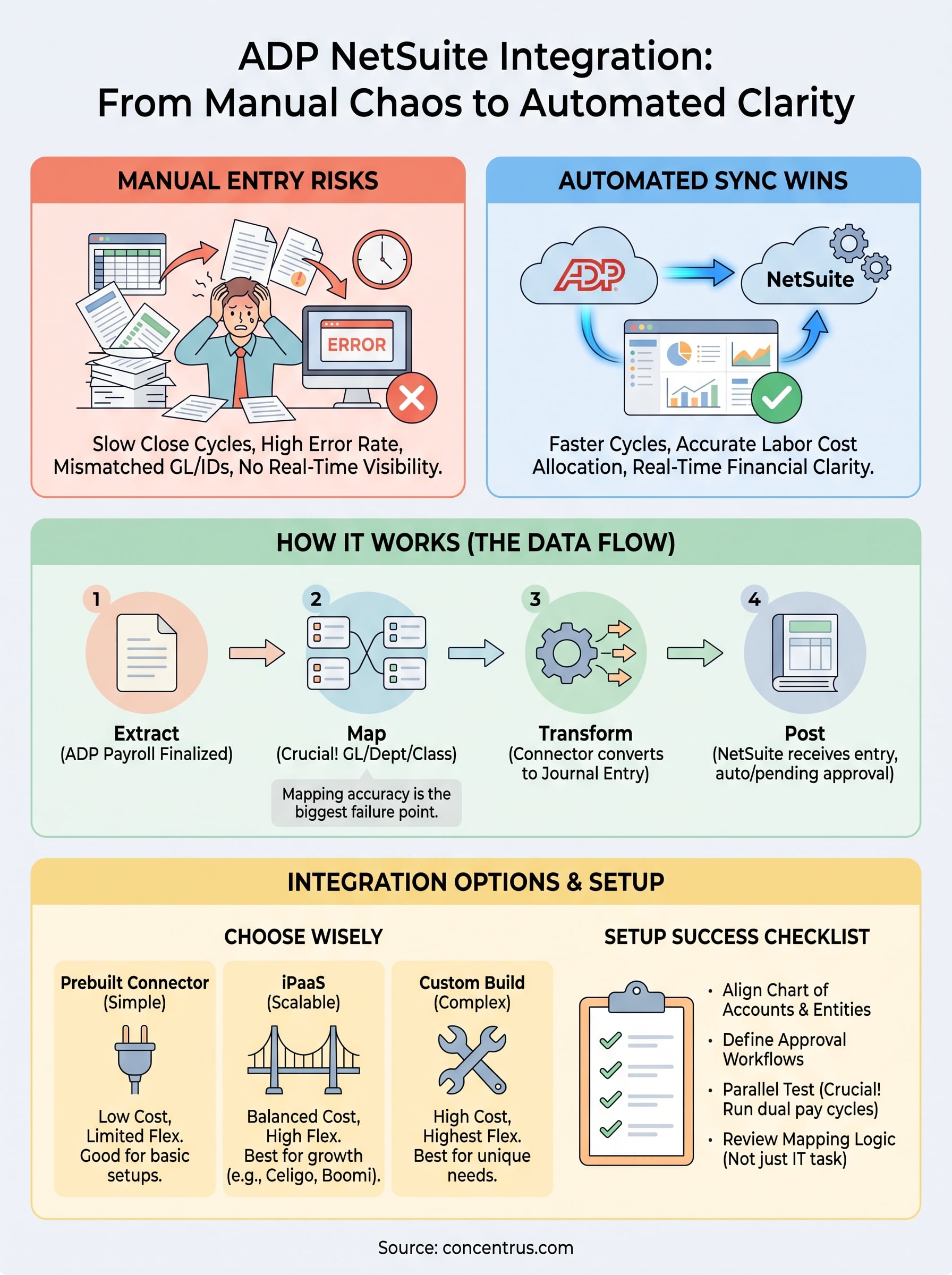
Good netsuite adp integration eliminates that manual step by mapping payroll categories directly to your chart of accounts. Wages, taxes, and benefits post as structured journal entries the moment ADP processes payroll, not three days later when someone gets around to it. That gives finance leaders three concrete wins:
- Faster close cycles, because payroll no longer sits on a to-do list waiting for manual entry
- Accurate labor cost allocation by department, class, or project, since mapping happens consistently every cycle
- Real-time visibility into cash position, since accrued payroll liabilities update automatically instead of at month-end
Syncing also matters for audit readiness. When payroll data flows through a defined mapping instead of manual keystrokes, you get a repeatable, traceable process auditors can actually follow, instead of a pile of spreadsheets and email trails.
How ADP NetSuite integration works
At its core, ADP NetSuite integration takes structured payroll data from ADP’s export or API and translates it into transactions NetSuite understands: journal entries, vendor bills, or both. The mechanics depend on the connector, but the underlying flow is the same everywhere: extract, map, transform, and post.
The data flow, step by step
Most integrations follow this sequence on every pay run:
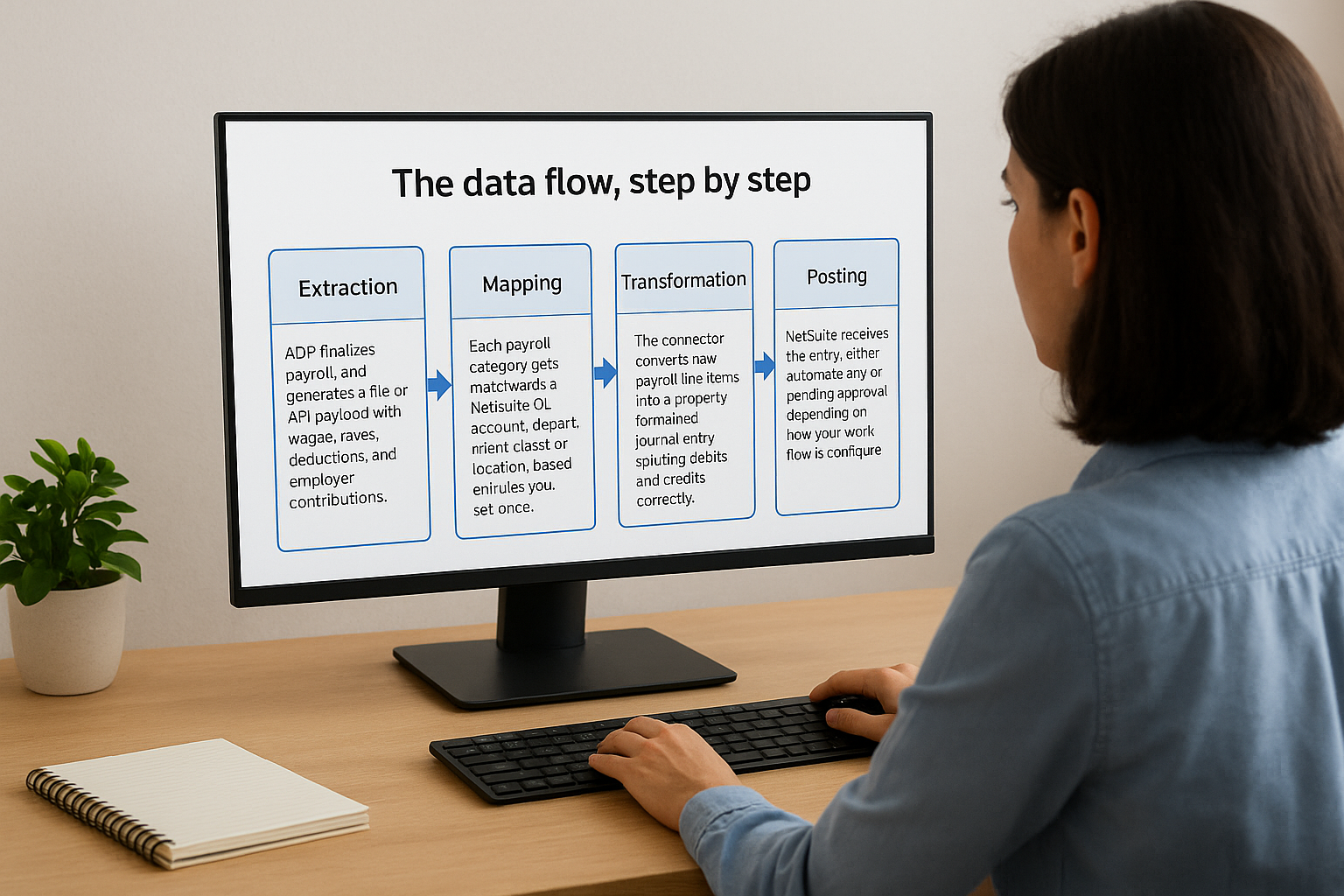
- Extraction: ADP finalizes payroll and generates a file or API payload with wages, taxes, deductions, and employer contributions.
- Mapping: Each payroll category gets matched to a NetSuite GL account, department, class, or location, based on rules you set once during configuration.
- Transformation: The connector converts raw payroll line items into a properly formatted journal entry, splitting debits and credits correctly.
- Posting: NetSuite receives the entry, either automatically or pending approval, depending on how your workflow is configured.
The integration isn’t really moving data. It’s translating payroll language into accounting language, automatically, every cycle.
Why mapping accuracy matters most
The biggest failure point isn’t the connection itself, it’s mapping accuracy. If a pay code isn’t mapped to the right GL account, or a new department gets added in ADP but not in NetSuite, entries either fail or post incorrectly. That’s why setup time spent on mapping logic matters far more than which tool you pick. Sync frequency, usually daily or per pay period, matters less than whether the mapping rules hold up when your org structure changes.
Integration options: connectors, iPaaS, and custom builds
Three paths get you from ADP to NetSuite: a prebuilt connector, an iPaaS platform, or a custom-built integration. Each trades off setup cost, flexibility, and long-term maintenance differently, and picking the wrong one is the single most common reason we get called in for a rescue. Prebuilt connectors cost less upfront but often can’t handle nuanced GL mapping or multi-entity setups. iPaaS platforms like Celigo or Boomi cost more to configure initially but give you a visual layer to adjust mapping logic as your org chart changes.
Prebuilt connectors vs iPaaS platforms
Connectors work fine for straightforward setups: one entity, a standard chart of accounts, minimal customization. Once you add multiple subsidiaries, project-based labor allocation, or nonstandard pay codes, most prebuilt tools hit a wall fast, and you’re stuck waiting on a vendor’s roadmap to fix it.

The tool that saves you money on day one is often the one that costs you the most by month twelve.
Middleware platforms solve that by putting the mapping logic in your hands instead of a vendor’s, so a new department or pay code doesn’t require a support ticket.
| Option | Setup cost | Flexibility | Maintenance burden |
|---|---|---|---|
| Prebuilt connector | Low | Limited | Low, until scope changes |
| iPaaS (Celigo, Boomi) | Medium-high | High | Moderate, needs internal owner |
| Custom build | High | Highest | High, ongoing dev support |
When a custom build actually makes sense
Custom-built integrations earn their cost when your payroll structure is genuinely unusual, think multi-country payroll or heavy project costing, but they demand ongoing developer support most finance teams don’t budget for. We typically steer clients toward the middle ground: an iPaaS setup through our Concentrus Partner Network™, configured once and owned internally from there.
How to set up an ADP NetSuite integration
Setting up an ADP NetSuite integration isn’t a plug-and-play weekend project, even though some vendors market it that way. Getting it right the first time means treating configuration as an accounting exercise, not just an IT task. Skip the mapping review and you’ll spend the next six months debugging journal entries instead of closing books faster.
Pre-implementation checklist
Before anyone touches a connector, confirm these basics:
- Chart of accounts alignment: every pay code, tax type, and deduction has a corresponding GL account in NetSuite
- Entity structure: subsidiaries, departments, classes, and locations match between ADP and NetSuite exactly
- Approval workflow: decide whether journal entries post automatically or route for review first
- Historical data: determine whether you’re syncing forward-only or backfilling prior periods
An integration built on a messy chart of accounts just automates the mess faster.
Testing and go-live
Run at least two parallel pay cycles before cutting over, entering payroll manually and through the new integration side by side. Compare every journal entry line for line until the totals match without adjustment. Testing this way catches mapping errors while you still have a manual process as backup, rather than discovering them mid-close with no fallback. Vendors rarely emphasize this step because it slows down implementation timelines, but skipping it is exactly how failed integrations end up needing a rescue project. If you’re evaluating this now, our ERP Rescue Services team can review your mapping plan before go-live, not just after something breaks.
Turning payroll data into financial clarity
Get the mapping right, and ADP NetSuite integration stops being an IT project and becomes a finance tool. Wages, taxes, and benefits post where they should, every cycle, without anyone reconciling a spreadsheet on a Friday afternoon. That’s the actual payoff: not just automation, but a close you can trust without double-checking it.
Most failed integrations we’ve rescued didn’t fail because the connector was broken. They failed because nobody treated mapping logic as an accounting decision, or because the chosen tool couldn’t flex when the org chart changed. Whether you’re building this from scratch or fixing one that’s already limping along, the goal stays the same: payroll data that ties out cleanly, every time, without manual intervention.
If your current setup still needs a human to catch its mistakes, it’s not finished yet. Talk to Concentrus about reviewing your ADP NetSuite integration before your next close exposes another gap.