

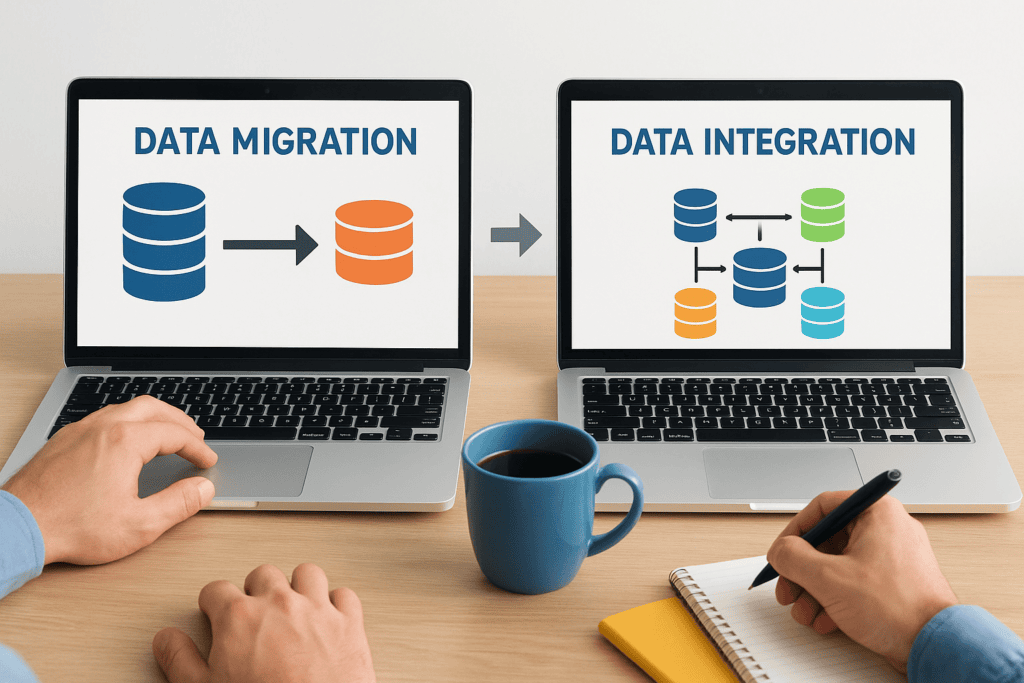
Every ERP implementation hinges on one critical question: what happens to your data? Whether you’re moving from legacy systems to NetSuite or Acumatica, or connecting multiple platforms across your organization, understanding the difference between data migration vs data integration determines how smoothly your project runs, and whether you hit your ROI targets.
These two processes sound similar, but they serve fundamentally different purposes. One is a one-time event; the other is an ongoing operation. Confusing them leads to scope creep, budget overruns, and systems that don’t deliver the financial outcomes your organization needs. As ERP implementation specialists, Concentrus sees this confusion derail projects regularly, especially when finance leaders inherit technical decisions made without clear business context.
This article breaks down the core differences between data migration and data integration, explains when each applies, and helps you determine which process fits your specific situation. By the end, you’ll have the clarity to ask the right questions and make confident decisions about your ERP data strategy.
Why the difference matters for finance leaders
As a finance leader, you don’t need to understand every technical detail of your ERP project, but you absolutely need to understand the financial and operational consequences of choosing the wrong approach. The data migration vs data integration decision directly impacts your budget, timeline, and whether your new system delivers the ROI you’ve promised to your board or executive team.
When your implementation partner conflates these two processes, you end up with bloated project scopes that drain resources and delay go-live dates. You might budget for a one-time migration only to discover months later that you need ongoing integration work to keep systems synchronized. Or worse, you might invest in complex integration infrastructure when a simple migration would have sufficed. This confusion creates the exact type of cost overruns and missed deadlines that erode stakeholder confidence and put your technology investments under scrutiny.
Budget and timeline implications
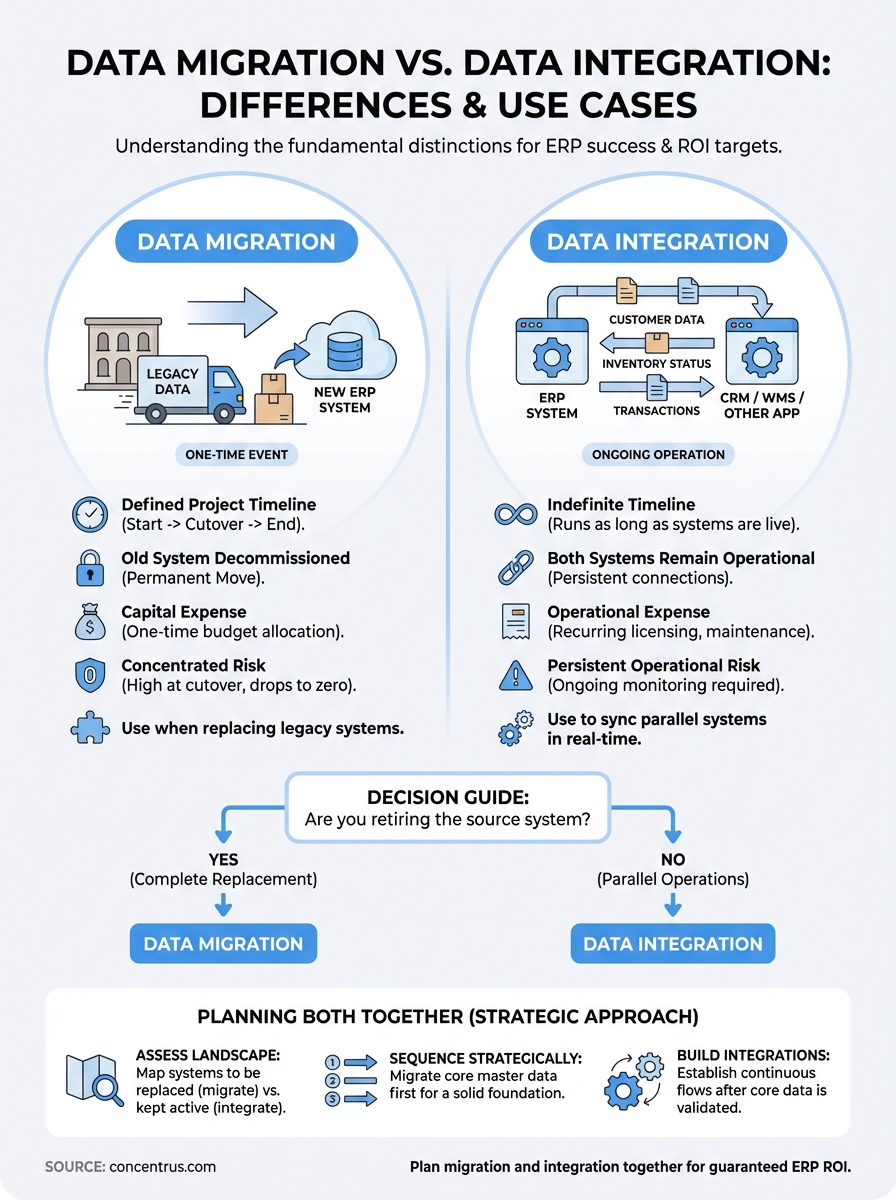
Migration is a capital expense with a defined endpoint. You allocate budget once, execute the move, validate the data, and close the project. Integration, by contrast, represents an ongoing operational expense that requires maintenance, monitoring, and often licensing fees for integration platforms or middleware. Your finance team needs to account for these costs differently in both budgeting and forecasting models.
Timeline planning changes dramatically based on which process you need. A migration typically follows a linear project schedule with clear milestones: extract, transform, load, validate, cutover. Integration requires you to build and maintain continuous data flows that run indefinitely. You can’t treat integration as a one-time deliverable, because the moment you turn it off, your systems fall out of sync. This distinction affects resource allocation, vendor contracts, and how you measure project success.
Understanding whether you need migration, integration, or both determines whether you’re managing a project or a program.
Risk profiles differ completely
Migration carries concentrated risk during a specific cutover window. You face potential data loss, mapping errors, or validation failures, but once you successfully complete the migration, that risk drops to nearly zero. Your risk management strategy focuses on thorough testing and rollback plans for a defined period.
Integration introduces persistent operational risk that continues as long as the systems remain connected. Every update to either system creates potential for integration failures. Network issues, API changes, or authentication problems can break data flows without warning. You need ongoing monitoring, support contracts, and incident response procedures that migration simply doesn’t require after cutover. Finance leaders who don’t account for this ongoing risk exposure often discover expensive support gaps months after go-live, when the implementation team has moved on and no one owns the integration infrastructure.
What data migration means and when to use it
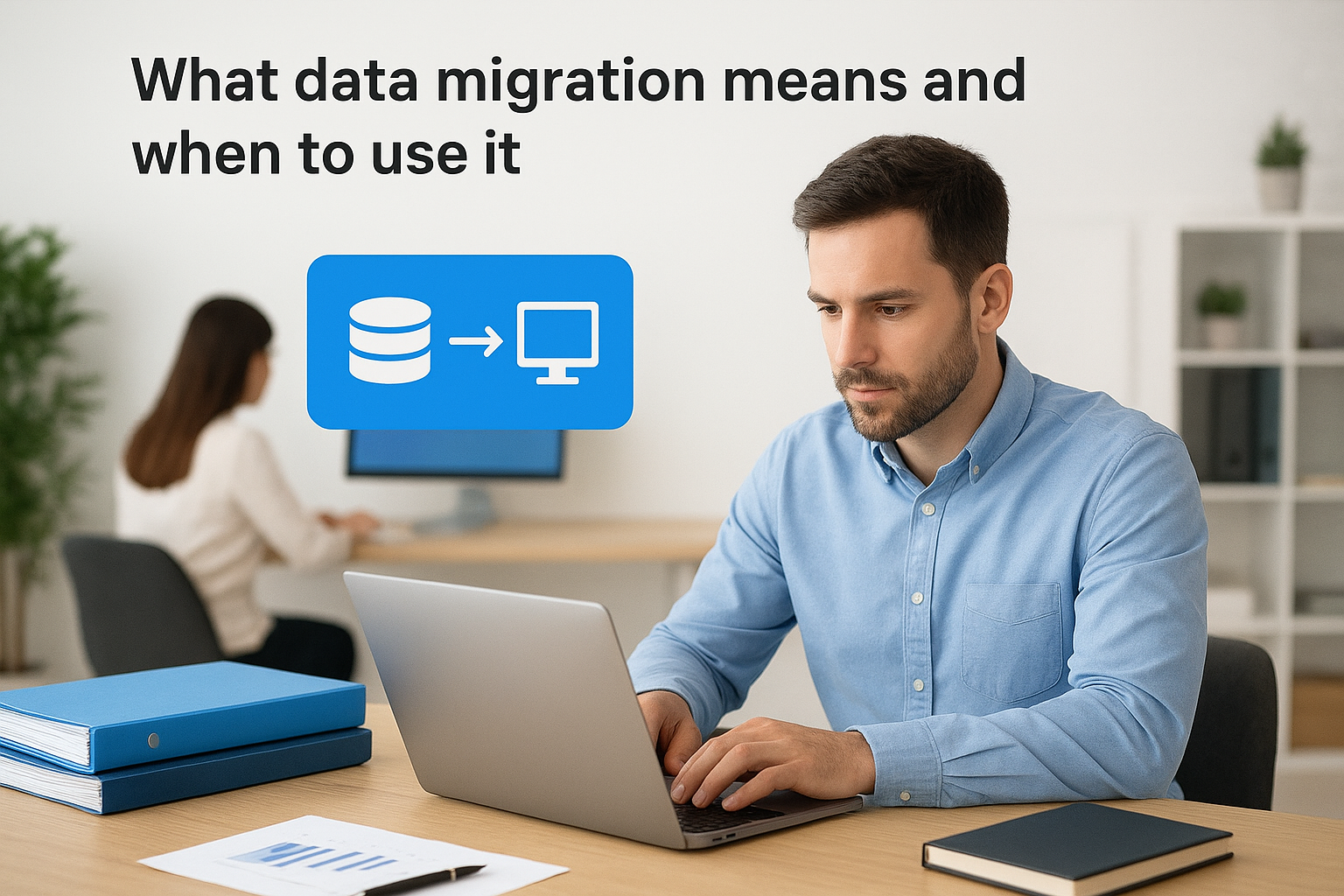
Data migration refers to the one-time movement of data from one system to another, typically during a system replacement, upgrade, or consolidation project. You extract data from the source system, transform it to match the structure and requirements of your target system, load it into the new environment, and then decommission the old system. This process has a clear beginning and end, which distinguishes it from ongoing data synchronization.
The core definition
Migration involves permanently relocating your business data from a legacy platform to your new ERP system. Think of it like moving houses: you pack up everything from your old location, transport it to the new one, unpack and organize it properly, then close the door on the old place forever. Your source data exists in the old system until cutover, at which point you shift all operations to the new platform and stop using the legacy system entirely.
The transformation phase matters most for finance leaders because this is where you map old data structures to new ones, clean historical records, and establish the data quality standards that will govern your new system. Poor transformation decisions made during migration create reporting problems and audit issues that persist for years.
Migration happens once, but its quality affects every report, forecast, and decision you make going forward.
When migration makes sense
You need migration when you’re replacing a legacy system with a modern ERP platform like NetSuite or Acumatica. The question in data migration vs data integration becomes simple: are you moving away from the old system completely? If yes, you need migration. If you plan to keep both systems running and synced, you need integration instead.
Migration also applies when you consolidate multiple systems into one. Perhaps you acquired another company and need to bring their financial data into your ERP, or you’re replacing several disconnected tools with a single platform. You execute the migration, validate completeness and accuracy, then retire the old systems and move forward with one source of truth.
What data integration means and when to use it
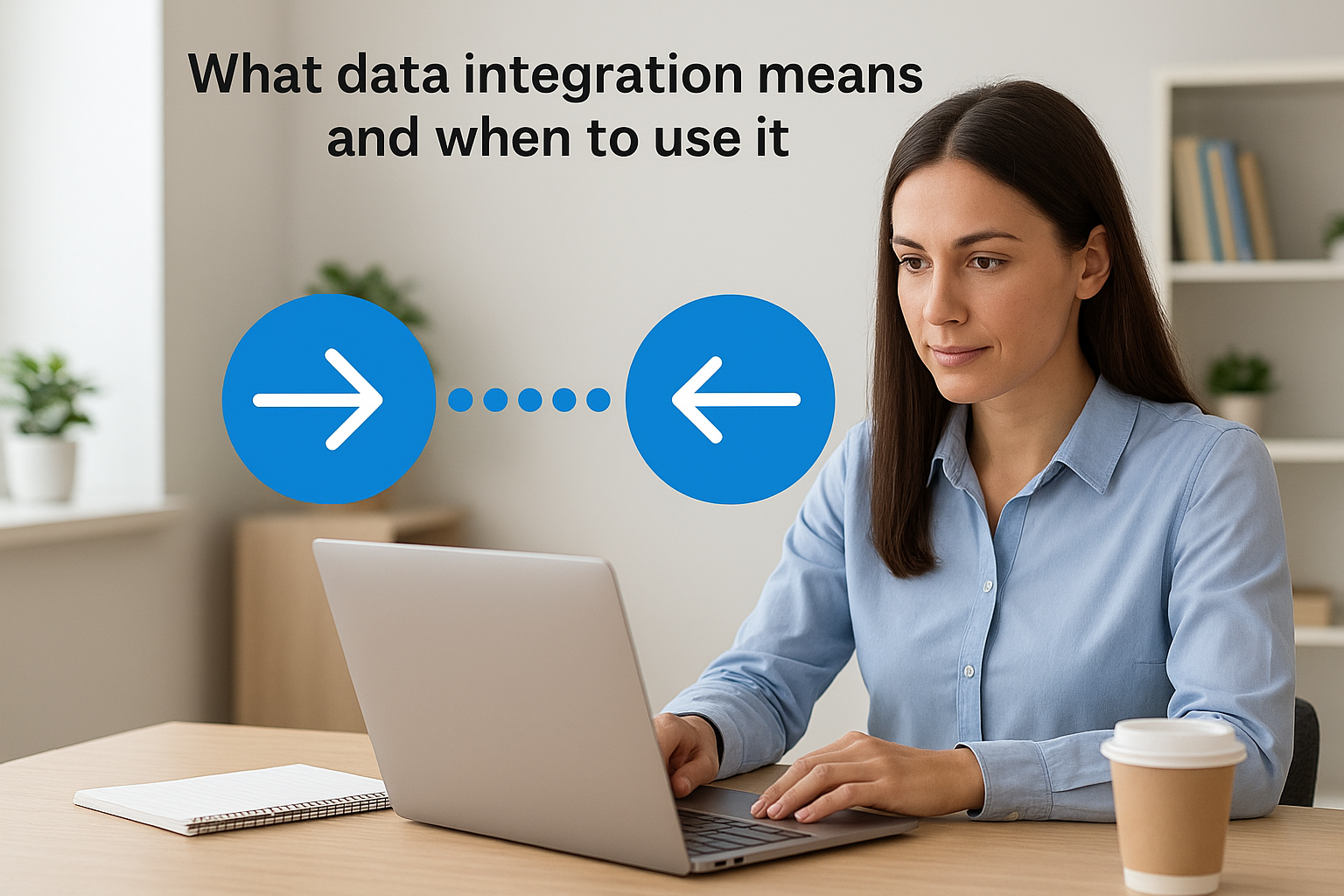
Data integration refers to the ongoing synchronization of information between two or more systems that continue operating in parallel. Unlike the one-time nature of migration, integration establishes permanent connections that automatically move data back and forth as business transactions occur. Your systems stay live simultaneously, and changes in one platform trigger updates in the others within minutes or hours depending on your configuration.
The core definition
Integration builds persistent data pipelines between systems that need to share information continuously. You might connect your ERP to your CRM so customer data stays synchronized, or link your warehouse management system to NetSuite so inventory counts update in real time. These connections run indefinitely, processing transactions automatically without manual intervention after the initial setup.
The technical implementation typically uses APIs, middleware platforms, or custom integrations that monitor both systems for changes and push updates according to business rules you define. When a sales order enters your CRM, the integration sends it to your ERP for fulfillment. When your warehouse ships the order, that status flows back to the CRM automatically. This continuous flow keeps your entire technology stack aligned without requiring staff to manually enter data in multiple places.
Integration turns multiple systems into a single operational environment without forcing you to abandon specialized tools.
When integration makes sense
You need integration when you must keep multiple systems operational simultaneously because each serves a distinct business purpose. The data migration vs data integration question becomes straightforward here: if you can’t shut down the source system, you need integration instead of migration. Your CRM excels at customer relationships, your ERP handles financials and operations, and your e-commerce platform manages online sales. You need all three working together with synchronized data.
Integration also applies when you acquire companies but keep their systems separate, connect best-of-breed point solutions to your ERP, or work with external partners who need real-time access to specific data sets. You establish the connections, define what data flows where and when, then let the integration handle the continuous synchronization while your teams focus on business operations instead of manual data entry.
Key differences you can use to decide fast
The data migration vs data integration decision comes down to four fundamental differences that directly impact your project scope, budget, and operational requirements. You can evaluate these differences in minutes and make a confident choice about which approach your organization needs. Understanding these distinctions helps you avoid the expensive mistake of planning for one process when you actually need the other.
Timeline and permanence
Migration operates on a project timeline with a defined completion date. You execute the move, validate your data, flip the switch to your new system, and close the project. Your old system shuts down permanently, which means you stop paying licensing fees, eliminate maintenance costs, and reduce your technology footprint. This one-time nature makes migration easier to budget and schedule because you know exactly when it ends.
Integration runs indefinitely as long as you keep both systems operational. You build the connections, test the data flows, launch them into production, and then maintain them continuously. Changes to either system require updates to your integration logic. You pay ongoing licensing fees for integration platforms, maintain support contracts, and allocate staff resources to monitor and troubleshoot issues that arise over time.
Migration closes a chapter; integration writes an ongoing story that requires constant attention and resources.
Cost structure and resources
Migration represents a capital expense that you account for once. You budget for the project, execute it, and move on. Your costs concentrate in a specific period, which makes financial planning straightforward and allows you to measure ROI against a fixed investment amount.
Integration creates recurring operational expenses that continue as long as the systems remain connected. You pay for middleware licensing, ongoing support, monitoring tools, and the staff time required to maintain reliable data flows. Your finance team must account for these costs differently in operating budgets, and your ROI calculations need to factor in perpetual maintenance expenses rather than a single project investment.
How to plan migration and integration together
Most ERP projects require both migration and integration work, which means you need to plan both processes simultaneously rather than treating them as separate initiatives. Your legacy system data must move to the new ERP (migration), while your specialized tools like CRM, warehouse management, or e-commerce platforms need ongoing connections (integration). The data migration vs data integration planning process determines whether you execute these in parallel or sequence them strategically based on your business priorities and risk tolerance.
Assess your system landscape first
You need to map every system in your current environment and determine its future state before planning execution. Create a simple inventory that identifies which systems you’re replacing entirely, which ones stay operational, and which ones you’re consolidating. This assessment reveals exactly where you need migration (systems being replaced) and where you need integration (systems staying active). Your finance team should lead this exercise because you understand which data supports critical reporting, compliance, and operational workflows that cannot tolerate gaps or delays.
Consider dependencies between systems carefully. If your CRM integration relies on customer master data that lives in your old ERP, you must complete the migration first before building integrations. Attempting both simultaneously creates confusion about which system holds the authoritative data source and increases the risk of synchronization conflicts during testing phases.
Planning both processes together prevents costly rework and ensures your data architecture supports both immediate cutover needs and long-term operational requirements.
Sequence your approach strategically
Your implementation should typically migrate core master data first, then build integrations that reference that clean, migrated information. This sequencing gives you a solid foundation in your new ERP before connecting external systems. You establish chart of accounts, customer records, vendor data, and product catalogs through migration, validate their accuracy, then configure integrations that maintain ongoing synchronization with peripheral systems. This approach reduces complexity and makes troubleshooting easier because you know your ERP data quality meets standards before introducing real-time data flows.
Next steps
You now understand the critical distinction between data migration vs data integration and can confidently determine which approach your ERP project requires. Your next action should focus on creating that system inventory mentioned earlier, identifying which platforms you’re replacing versus keeping operational. This simple exercise clarifies exactly where you need one-time migration work and where you need ongoing integration infrastructure.
Schedule a planning session with your implementation partner to discuss both processes together rather than treating them as separate workstreams. You need a partner who understands that successful ERP implementations require both migration excellence and integration strategy aligned with your financial goals. Your project scope, budget, and timeline depend on getting this foundation right before you start building.
If you’re evaluating ERP implementation partners or rescuing an underperforming project, Concentrus specializes in NetSuite and Acumatica implementations that deliver guaranteed ROI through our proprietary ROI Roadmap methodology. We help finance leaders like you make confident decisions about data strategy that directly support your operational and financial objectives.