

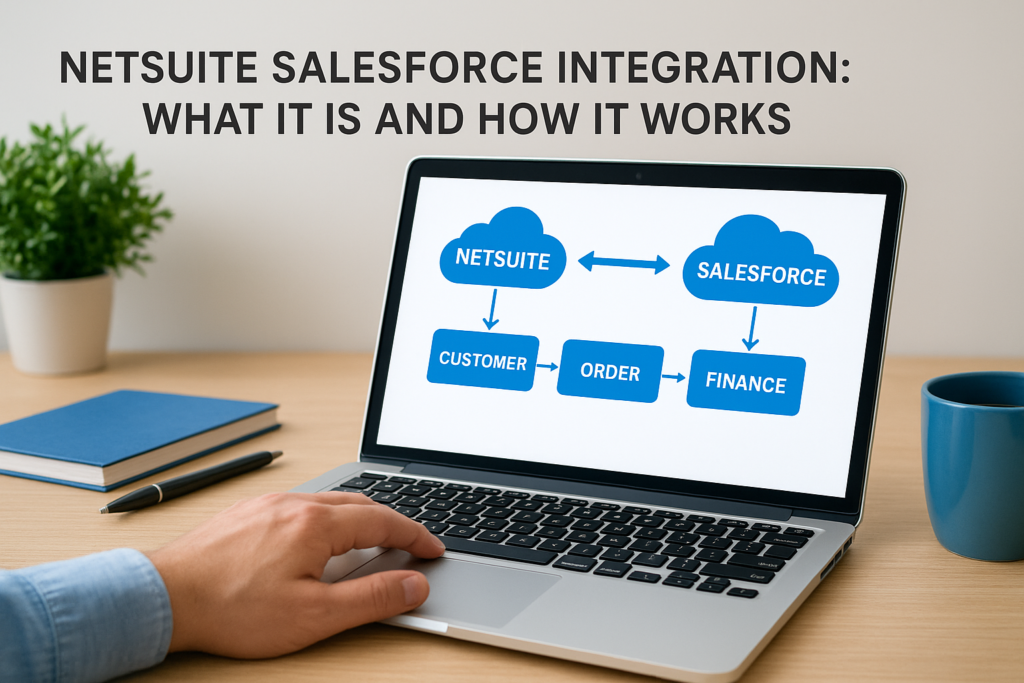
Your sales team lives in Salesforce. Your finance team lives in NetSuite. And somewhere between the two, deals get lost, invoices get delayed, and someone ends up re-keying order data by hand at 6 PM on a Friday. A netsuite salesforce integration fixes that by connecting the two systems so customer, order, and financial data flow automatically between them, no manual exports, no mismatched records.
At its core, salesforce netsuite integration means syncing opportunities, quotes, and orders from your CRM directly into your ERP, so what your sales reps close becomes an invoice, a fulfillment order, and a revenue entry without a second data entry step. It can happen through native connectors, middleware platforms, or custom API work, depending on your volume and complexity.
This article breaks down what a NetSuite Salesforce integration actually does, the main ways to build one, what it typically costs, and the mistakes that turn a promising integration project into a maintenance headache. If you’re a finance leader trying to decide whether this move will actually pay off, you’ll get a straight answer here, not just a feature list.
Why NetSuite Salesforce integration matters for finance teams
Disconnected systems cost real money, not just time. When a sales rep closes a deal in Salesforce and someone on the finance team has to manually retype that order into NetSuite, you introduce delay and error into the one process that determines when cash actually hits your bank account. A netsuite and salesforce integration removes that gap, so closed-won opportunities become sales orders and invoices without a human bottleneck in between.
The hidden cost of disconnected sales and finance data
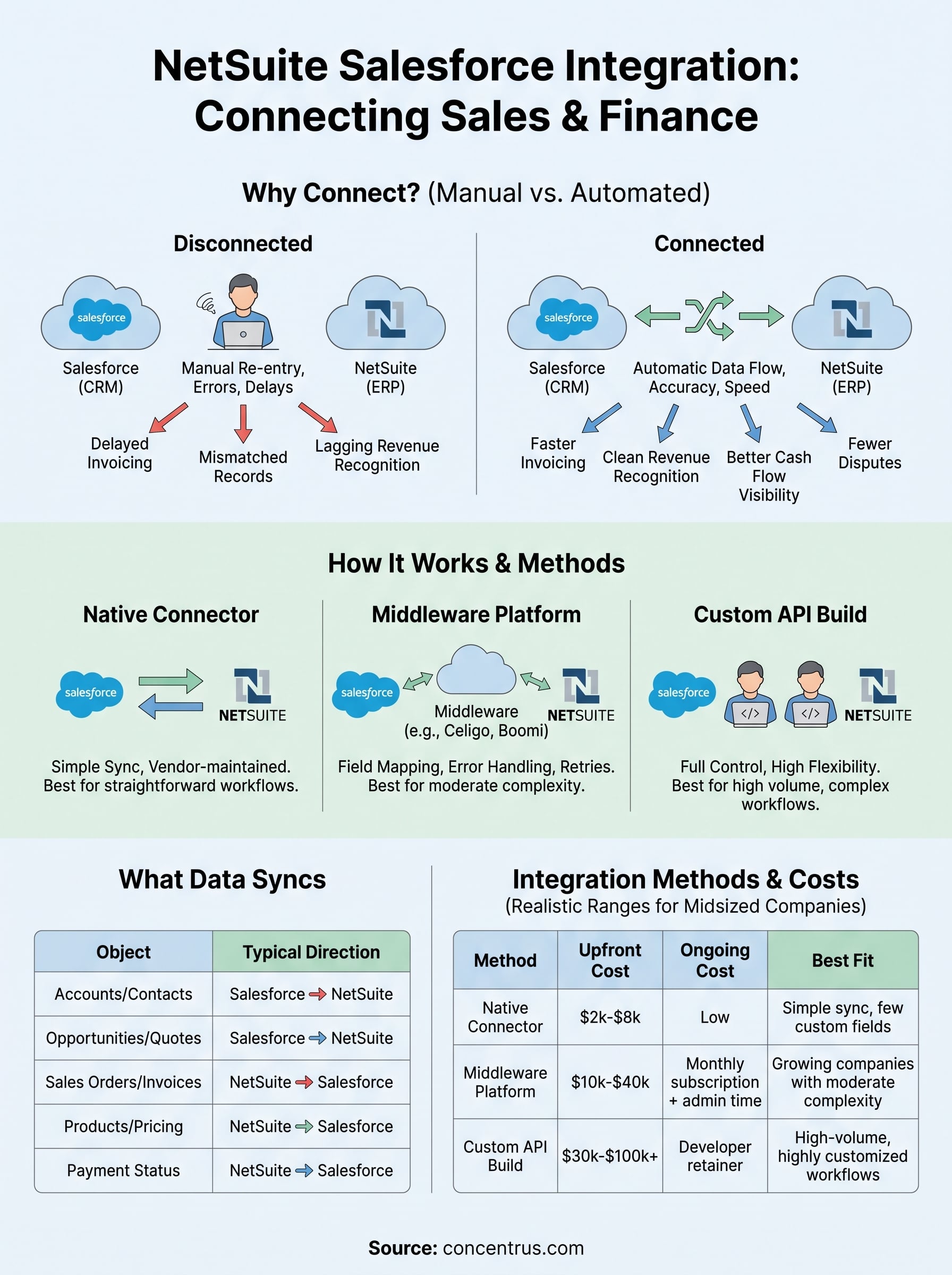
Manual re-entry between CRM and ERP creates three problems that finance leaders feel directly: delayed invoicing, mismatched customer records, and revenue recognition that lags behind actual sales activity. A rep might apply a discount in Salesforce that never makes it into the NetSuite order. A customer address gets updated in one system but not the other, and now your AR aging report is wrong. None of these are dramatic failures on their own, but they compound every month, and they’re exactly the kind of small errors that eat into close-cycle time and erode trust in your numbers.
When sales and finance run on disconnected data, your revenue numbers are only as current as your slowest manual update.
What a connected system gives finance leaders
Controllers and CFOs care about three things above all: accurate forecasting, faster close cycles, and clean audit trails. A working salesforce integration with netsuite delivers on all three, because it removes the lag between when a deal closes and when finance can act on it. Instead of waiting for a rep to submit paperwork, your team sees the order in NetSuite the moment it’s approved in Salesforce.
Here’s what typically improves once the two systems talk to each other:
- Faster invoicing: orders flow into NetSuite automatically, cutting days off your billing cycle.
- Cleaner revenue recognition: opportunity data matches financial data, so ASC 606 reporting doesn’t require manual reconciliation.
- Better cash flow visibility: finance sees pipeline and bookings in near real time, not after a monthly export.
- Fewer disputes: sales and finance work from the same customer and pricing records, so invoices match what reps promised.
Giving up on manual reconciliation isn’t just a productivity win, it’s a control improvement. Auditors like systems with fewer manual touchpoints, because every manual step is a place where errors or overrides can hide. For a midsized company scaling past the point where spreadsheets and tribal knowledge hold things together, a connected CRM and ERP setup is often the difference between finance that reacts to sales and finance that actually plans around it.
How NetSuite and Salesforce integration works
A netsuite integration with salesforce typically runs on one of three architectures: a native connector, a middleware platform, or a custom API build. Native connectors, like SuiteCRM’s Salesforce link, work well for straightforward syncing but often struggle once you add custom fields or complex approval workflows. Middleware platforms, such as Celigo or Dell Boomi, sit between the two systems and handle field mapping, error logging, and retries, which makes them the go-to choice for most midsized companies. Custom API work, built directly on Salesforce’s REST API and NetSuite’s SuiteTalk, gives you full control but requires ongoing developer maintenance every time either platform pushes an update.
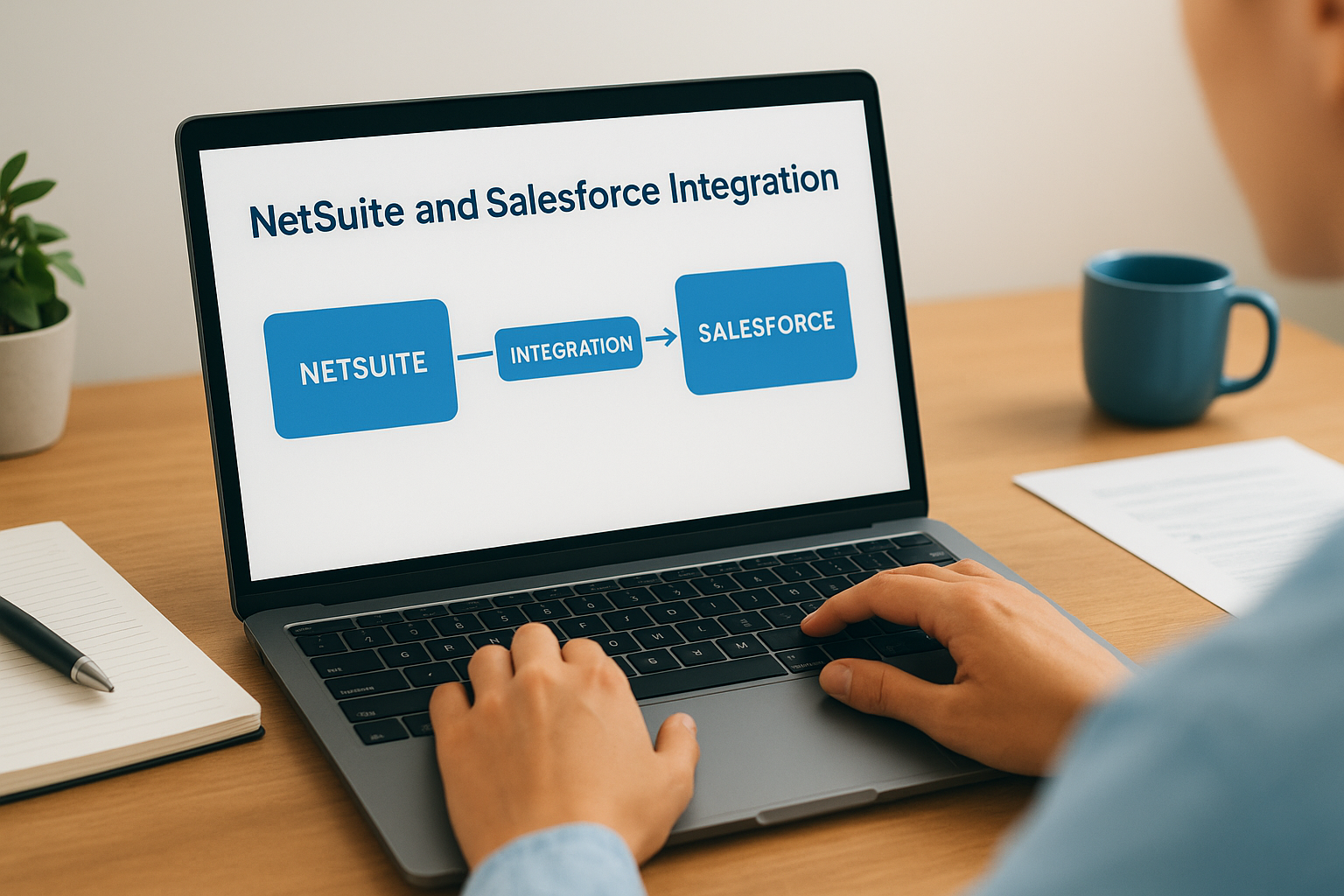
Beneath whichever method you choose, the mechanics are the same: a trigger event, like an opportunity moving to "Closed Won," fires a call that maps Salesforce fields to their NetSuite equivalents and creates or updates a record. You decide whether that sync runs in real time or on a schedule, and whether data flows one direction or both. Real-time, bidirectional sync gives sales visibility into fulfillment status and finance visibility into pipeline, but it demands stricter field mapping and error handling because mistakes propagate instantly in both directions.
The integration method matters less than the field mapping and error handling built underneath it.
Getting this right means deciding early what "source of truth" means for each object. Customer records usually originate in Salesforce, pricing and inventory in NetSuite. Handling means documenting those rules before a single API call gets written, not after your first data conflict shows up in a reconciliation report.
What data syncs between NetSuite and Salesforce
Most salesforce to netsuite integration projects sync the same core set of objects, though the exact scope depends on your sales process. Accounts and contacts move from Salesforce into NetSuite as customers, opportunities become sales orders, and quotes carry line-item pricing straight into NetSuite’s order entry. Products and pricing usually flow the other way, from NetSuite into Salesforce, so reps quote against real inventory and current price books instead of stale spreadsheets.
If a field isn’t mapped, it doesn’t exist for the team on the other side of the integration.
Beyond the core objects, most builds also handle payment terms, tax codes, and shipping details, since these determine whether an order can actually be invoiced without finance stepping in to fix something. Custom fields cause the most friction here. A discount approval field or a custom deal-stage tag that lives only in Salesforce won’t sync unless someone explicitly maps it, which is why field-mapping documentation matters more than the connector you pick.
| Object | Typical direction | Owned by |
|---|---|---|
| Accounts/Contacts | Salesforce → NetSuite | Salesforce |
| Opportunities/Quotes | Salesforce → NetSuite | Salesforce |
| Sales Orders/Invoices | NetSuite → Salesforce | NetSuite |
| Products/Pricing | NetSuite → Salesforce | NetSuite |
| Payment Status | NetSuite → Salesforce | NetSuite |
Syncing too much data creates its own problem. Teams that try to mirror every field end up with a slower, more fragile integration that breaks every time either platform changes its schema. Weighing what finance and sales actually need to see, rather than what’s technically possible to sync, keeps the system maintainable long after the initial build.
Choosing an integration method and understanding costs
Picking between a native connector, middleware, or custom API build comes down to three factors: transaction volume, how much customization your sales process needs, and how much ongoing maintenance your team can absorb. A netsuite integration salesforce project handling a few hundred orders a month rarely justifies custom API development. A company processing thousands of orders with complex approval chains usually outgrows a native connector fast.

The cheapest integration to build is rarely the cheapest one to run.
Costs vary widely depending on scope, but here’s a realistic range for midsized companies:
| Method | Typical upfront cost | Ongoing cost | Best fit |
|---|---|---|---|
| Native connector | $2,000-$8,000 | Low, vendor-maintained | Simple sync, few custom fields |
| Middleware platform | $10,000-$40,000 | Monthly subscription plus admin time | Growing companies with moderate complexity |
| Custom API build | $30,000-$100,000+ | Developer retainer for every platform update | High-volume, highly customized workflows |
Middleware platforms tend to offer the best balance for most midsized companies because they include built-in error logging and retry logic, so a failed sync doesn’t silently disappear. Custom builds give you the most flexibility but put you on the hook every time Salesforce or NetSuite ships a schema change, which happens more often than most teams expect.
Budgeting for an integration also means budgeting for the discovery work beforehand. Rushing past requirements gathering to save a few thousand dollars upfront almost always costs more later in rework and reconciliation. If you’re evaluating options and want a second opinion on scope before committing budget, our team at Concentrus has walked enough midsized companies through this exact decision to know which corners are safe to cut and which ones come back to bite you within a year.
Getting the most from a connected system
A NetSuite Salesforce integration only pays off when someone owns it past launch. Field mappings drift, sales adds a custom stage, finance changes a tax code, and if nobody’s watching, the sync quietly breaks and nobody notices until an invoice goes out wrong. Treat the integration as a living part of your finance operation, not a one-time project you check off and forget.
Before you build anything, get finance and sales in a room to agree on source-of-truth rules, error-handling procedures, and who gets paged when a sync fails. That upfront alignment saves more money than any connector choice will.
Getting this right means matching the method to your actual volume, documenting your field mappings, and choosing a partner who understands both the technical build and the financial outcomes it’s supposed to deliver. If you want that combination, talk to Concentrus before you write a single line of integration code.