

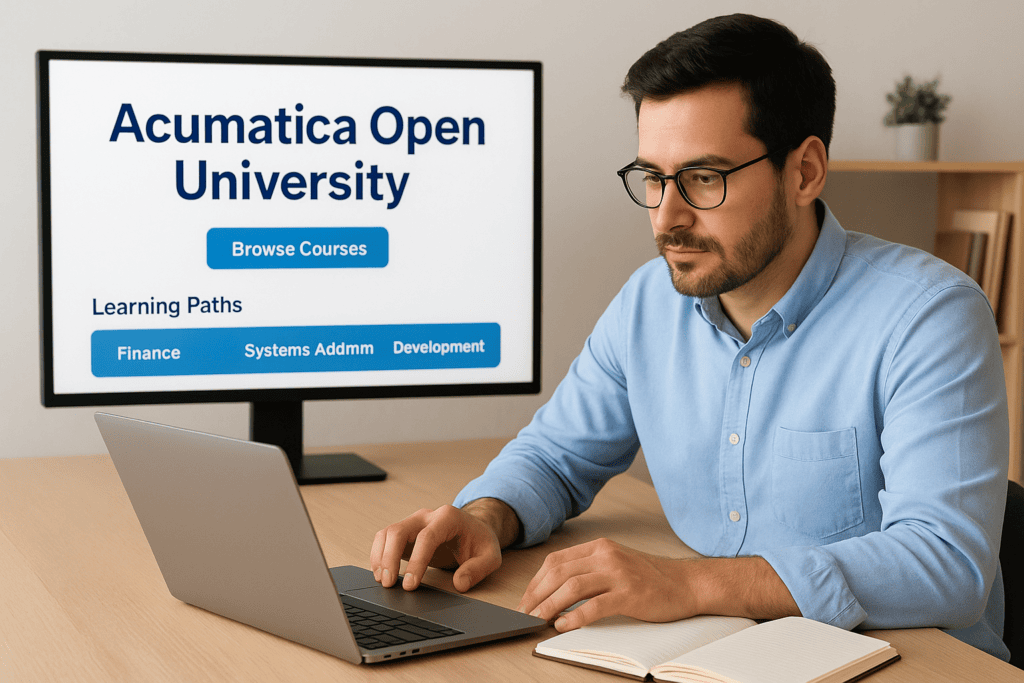
Getting the most out of your Acumatica ERP system depends on how well your team actually knows how to use it. That’s where Acumatica Open University comes in, a free, self-paced online learning platform built by Acumatica to help users, administrators, and developers build real competency with the software they rely on every day.
Whether you’re a finance leader onboarding a new team member or an admin trying to master a specific module, Open University offers structured courses, video tutorials, and certification paths that cover the platform end to end. The catch? Knowing where to start, and which learning paths actually matter for your role, isn’t always obvious. The platform has grown significantly over the years, and without some guidance, it’s easy to spend time on content that doesn’t move the needle for your organization.
At Concentrus, we implement and optimize Acumatica ERP systems for midsized companies, and we consistently point our clients toward Open University as a critical part of their post-implementation success. A well-trained team is one of the fastest ways to protect your ERP investment and drive the kind of measurable ROI we build every project around. This article breaks down how Acumatica Open University works, how to access it, what courses are available, and how to choose the right learning path for your team’s goals.
What Acumatica Open University is
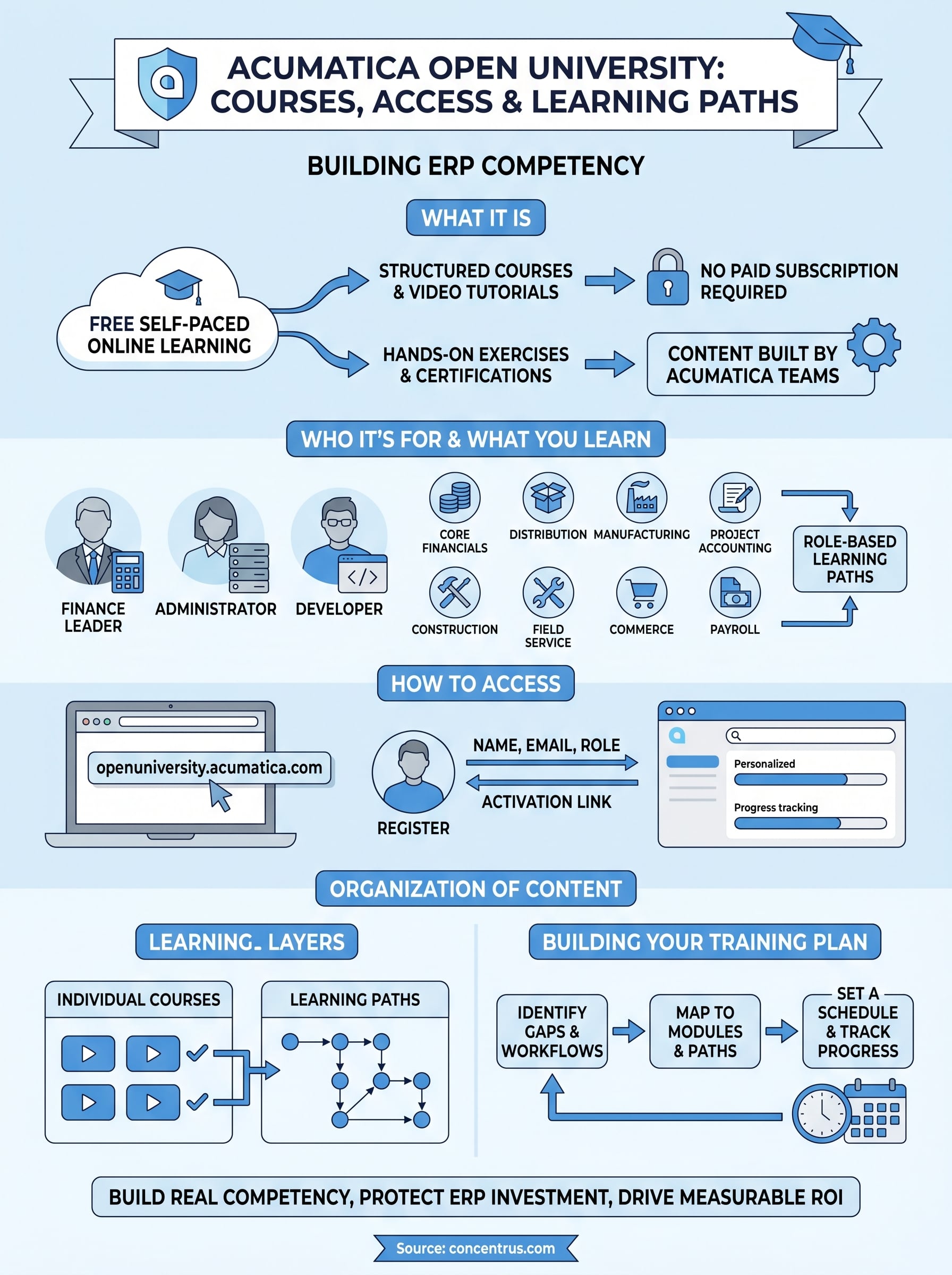
Acumatica Open University is the official, free online training platform that Acumatica provides directly to its users, partners, and developers. It lives at openuniversity.acumatica.com and requires no paid subscription to access the core content library. The platform delivers self-paced courses, video tutorials, hands-on exercises, and guided learning paths that cover the full range of Acumatica ERP functionality, from basic navigation to advanced development topics.
A Platform Built Around the Product Itself
One thing that makes Acumatica Open University different from generic ERP training resources is that Acumatica’s own teams build and maintain the content. That means the courses stay aligned with current product versions and real system behavior, rather than relying on third-party interpretations that may lag behind updates or miss platform-specific nuances.
When your team learns directly from the source, they build accurate mental models of the system faster, which reduces errors, shortens ramp-up time, and leads to more consistent use of the platform across your organization.
The platform organizes its content around specific modules and functional roles, so a finance user can focus on accounts payable, cash management, or financial reporting without wading through content designed for developers or warehouse staff. That structure makes the learning experience more efficient and practical from day one.
What the Platform Actually Contains
Beyond individual courses, Acumatica Open University includes certification exam preparation materials and structured learning paths that guide you through a logical progression of topics. Each learning path groups related courses in a sequence that builds foundational knowledge before moving to more complex configuration or workflow concepts.
The content formats vary to support different learning styles. You’ll find short video lessons, written course modules, interactive exercises, and knowledge checks throughout the library. Some courses include access to a practice environment where you can apply what you’ve learned directly in Acumatica without touching your live system. That hands-on component is especially valuable when you’re onboarding team members who need to build confidence before working in production.
Certifications That Carry Real Weight
Completing learning paths on the platform can lead to Acumatica certifications, which are recognized credentials within the Acumatica partner and user community. For your internal team, earning a certification signals verified competency in a specific module or role. For companies working with Acumatica partners, it’s also worth knowing that certified consultants and developers are required to maintain these credentials, so the same platform your team uses is the one that keeps implementation professionals current on the product.
Who it’s for and what you can learn
Acumatica Open University is built for anyone who works directly with the Acumatica platform, whether that’s a daily end user, a system administrator, or a developer building custom solutions. The platform doesn’t assume prior ERP experience, so new hires and long-tenured team members can both find content that fits where they are right now. That broad accessibility is what makes it useful as both an onboarding tool and an ongoing resource for teams that want to deepen their skills over time.
Users, Admins, and Developers
The content library organizes learning around specific roles and responsibilities rather than presenting a flat, undifferentiated course list. If you’re a finance user, your path focuses on accounts payable, accounts receivable, cash management, and financial reporting workflows. Administrators get courses on system configuration, security roles, and automation setup. Developers find deeper technical content covering the Acumatica framework, API integrations, and customization tools.
Role-based organization means you spend your training time on content that directly applies to your work, which makes retention far more likely.
What the Courses Actually Cover
Inside Acumatica Open University, the subject matter spans the full product suite, including core financials, project accounting, manufacturing, distribution, construction, field service, payroll, and commerce. Each area offers introductory courses that build foundational knowledge alongside more advanced material for users who need to go deeper on configuration or specific reporting requirements.
Beyond module-specific topics, the platform covers cross-functional skills like building custom reports and dashboards, setting up approval workflows, and understanding how data moves between modules. Those skills benefit your entire team because they reduce dependence on outside support for routine configuration and reporting changes, which adds up to real time and cost savings over the life of your ERP investment.
How to access Acumatica Open University
Getting into Acumatica Open University is straightforward. You navigate to openuniversity.acumatica.com and create a free account using your email address. No license purchase or partner agreement is required to register, which means anyone on your team can sign up independently and start learning the same day.
Creating Your Account
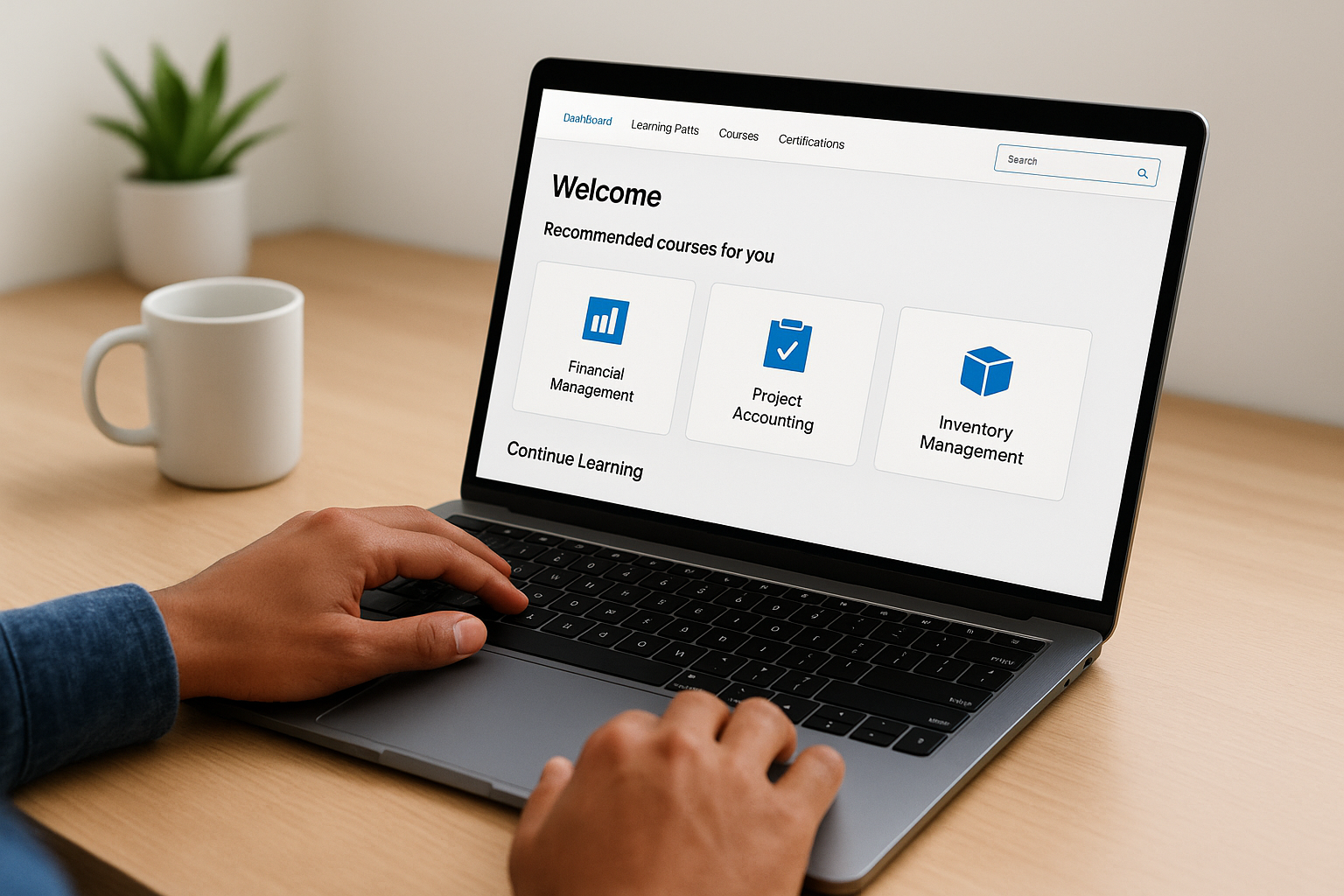
The registration process asks for basic information: your name, email address, and the type of role you occupy (end user, administrator, developer, or partner). Once you submit those details, you receive a confirmation email with a link to activate your account. After activation, you log in and land directly on a personalized dashboard that surfaces recommended courses based on the role you selected during signup. You can update your role preferences at any time if your responsibilities shift or if you want to explore content outside your primary function.
Selecting the right role during registration saves you time because the platform will surface the most relevant courses first rather than presenting the full catalog without context.
Navigating the Platform After Login
Once you’re inside, the main navigation separates content by product area, learning path, and certification track. A search bar lets you find specific topics quickly if you already know what you need to learn. The platform also tracks your progress automatically, so if you close a course midway through, it picks up where you left off the next time you return. That continuity matters for busy teams who can only commit to learning in short windows. Administrators at your company do not need to grant access or configure anything on the ERP side for your team to use Open University, since the platform runs completely independently from your live Acumatica environment.
How courses and learning paths are organized
Acumatica Open University structures its content in two layers: individual courses that cover a single topic or feature, and learning paths that chain related courses into a logical sequence. Understanding how those two layers connect helps you avoid jumping between unrelated content and instead build knowledge in the order that actually makes sense for your role.
Individual Courses and What They Cover
Each individual course focuses on a specific feature, workflow, or configuration task within Acumatica. You might take a course on setting up approval workflows, running aging reports, or configuring intercompany transactions. Courses typically combine short video segments with written explanations and knowledge checks at the end to confirm you retained the key concepts. Most courses run between 30 minutes and a few hours depending on the complexity of the topic, which makes them easy to complete in focused sessions without blocking out an entire day.
Breaking your training into individual courses lets team members tackle exactly what they need right now without committing to a longer curriculum they may not need yet.
How Learning Paths Group Courses Together
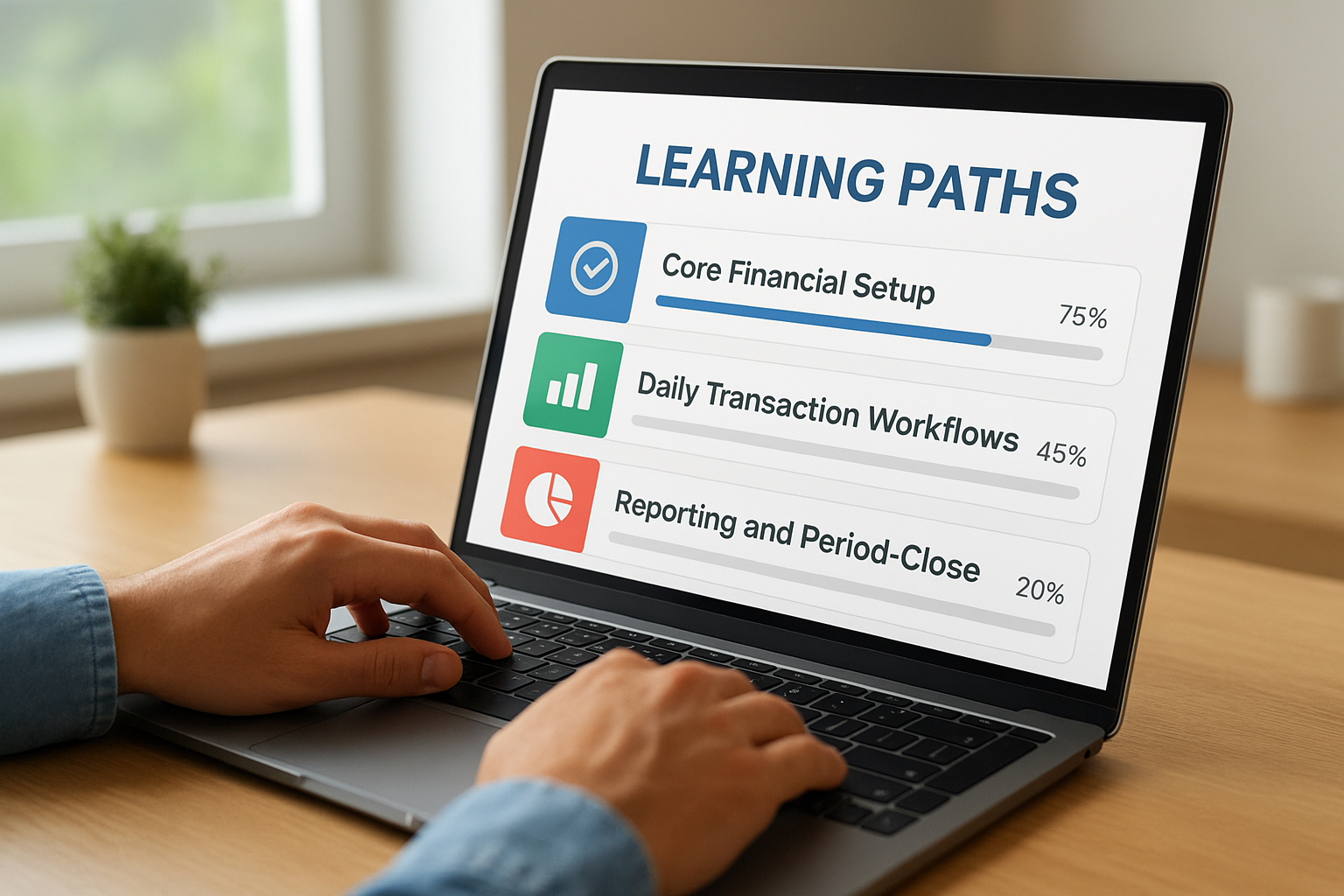
Learning paths pull individual courses into a structured sequence tied to a specific role or product area. A learning path for a financial user might start with core financial setup, move through daily transaction workflows, and finish with reporting and period-close procedures. That sequencing prevents the common problem of learning advanced topics before the foundational concepts are solid. Each learning path also shows your completion percentage so you can track progress and pick up exactly where you left off. If you’re preparing for an Acumatica certification exam, the corresponding learning path maps directly to the exam content areas, which removes the guesswork about what to study.
How to build a training plan that sticks
A training plan only works if it connects to real work your team does every day. Before you assign courses in Acumatica Open University, identify the specific workflows where your team loses time, makes errors, or relies too heavily on outside support. Those gaps tell you exactly which modules and learning paths to prioritize first.
Start with your team’s immediate gaps
Map each team member’s daily responsibilities to the relevant Acumatica modules they touch. A controller who manages period-close procedures needs different courses than an AP clerk processing vendor invoices. Once you have that map, assign the learning paths that align with each person’s function and set a target completion date tied to an upcoming workflow change, system update, or reporting cycle. Tying training to a concrete operational milestone gives team members a clear reason to finish what they start.
- List the top three workflows where errors or delays occur most often
- Identify which module or feature each workflow runs through
- Match those modules to the corresponding learning path in the platform
Set a realistic schedule
Most teams underestimate how little uninterrupted time their staff actually has for training. Block specific time on the calendar, even if it’s just 30 to 45 minutes twice a week, rather than leaving it to individuals to find time on their own. Courses in the platform are short enough to fit those windows without requiring large blocks of dedicated learning time.
Assigning training without protecting time for it almost always means it gets pushed aside when operational demands pick up.
Pair each completed course with a brief team check-in where participants share one thing they applied in the system. That reinforcement step closes the gap between watching a lesson and actually changing how your team works.
Next steps
Acumatica Open University gives your team a direct path to stronger ERP competency without requiring a budget line or a training contract. The platform is free, accessible the same day you register, and structured well enough that you can build a focused training plan around your team’s actual responsibilities rather than a generic curriculum. If your organization has gaps in how people use the system, the courses and learning paths covered in this article are the right place to close them.
The bigger question is whether your ERP configuration and implementation are set up in a way that makes training worthwhile in the first place. If your team is learning workflows that are broken or poorly designed, training alone will not fix the underlying problem. If you want to make sure your Acumatica system is built to support your financial and operational goals, talk to the ERP and ROI experts at Concentrus to find out where the real opportunities are.