


When implementing or optimizing an ERP system like NetSuite or Acumatica, integration capabilities often determine whether you achieve the ROI you’re targeting. MuleSoft’s Anypoint Platform has become a go-to solution for connecting ERP systems with other critical business applications, but only if your team knows how to use it effectively. That’s where MuleSoft Anypoint Platform documentation becomes essential. At Concentrus, we’ve seen firsthand how proper integration architecture can make or break an ERP investment.
Finding the right technical resources shouldn’t feel like a treasure hunt. Whether you need API references, configuration tutorials, or step-by-step deployment guides, MuleSoft provides official documentation designed to support every stage of your integration journey. The challenge is knowing where to look and how to navigate the extensive library of resources available.
This guide breaks down what you’ll find in MuleSoft’s official documentation, how it’s organized, and where to access the specific guides your team needs to succeed.
What MuleSoft Anypoint Platform documentation includes
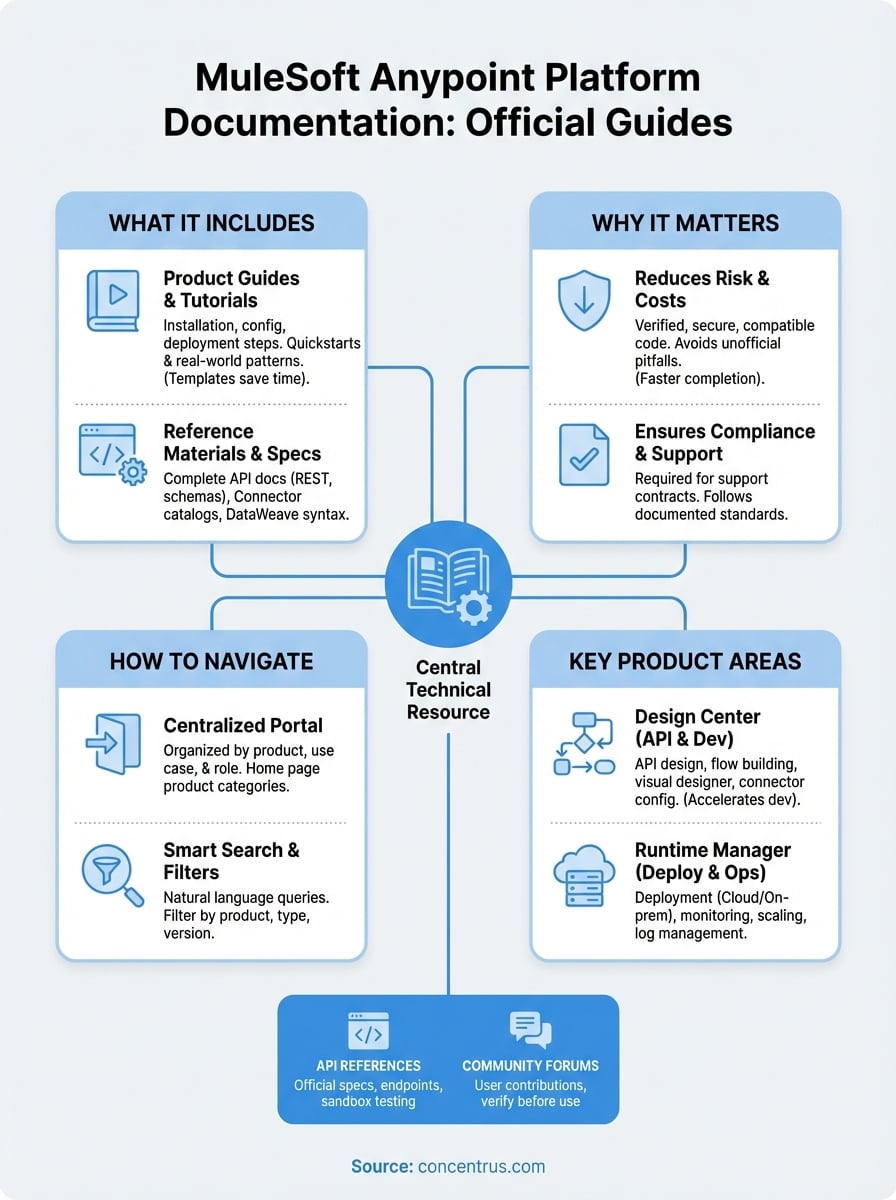
The official MuleSoft Anypoint Platform documentation serves as your central technical resource for implementing, configuring, and managing every component of the platform. You’ll find everything from high-level architectural overviews to granular API specifications that detail individual endpoints and parameters. MuleSoft organizes its documentation to support both newcomers learning the basics and experienced developers troubleshooting complex integration scenarios.
Core product guides and tutorials
Product-specific guides walk you through installation, configuration, and deployment of individual Anypoint components like Design Center, Runtime Manager, and API Manager. These resources include step-by-step tutorials that show you how to build your first API, create integration flows, and manage connectors. You’ll also find quickstart guides that help you get components up and running within minutes rather than hours.
Each guide addresses common implementation tasks with screenshots, code samples, and configuration examples. MuleSoft structures these tutorials to match real-world integration patterns you’ll encounter when connecting ERP systems or building data pipelines between applications.
The documentation includes pre-built templates and reference architectures that reduce development time by up to 40%.
Reference materials and specifications
Technical reference sections provide complete API documentation for every Anypoint Platform service, including REST endpoints, request/response schemas, and authentication methods. You’ll access detailed connector catalogs that list available pre-built integrations, supported versions, and configuration parameters for each connector type.
DataWeave language references explain transformation syntax and functions you’ll use to map data between systems. These specifications include the technical details your developers need to write custom transformations and handle edge cases in data formatting across different applications.
Why official Anypoint docs matter for integration teams
Your integration team needs reliable, accurate technical information to build connections between your ERP system and other business applications. The MuleSoft Anypoint Platform documentation provides verified guidance directly from the platform’s creators, ensuring you’re following best practices rather than outdated forum advice or third-party interpretations that may not reflect the latest platform updates.
Reducing implementation risk and costs
Third-party tutorials and unofficial guides often miss critical security configurations or compatibility requirements that can derail your integration project. When your developers rely on unverified sources, you risk building integrations that work in development but fail in production, costing your organization thousands in rework and downtime.
Official documentation includes tested code examples and validated configuration patterns that MuleSoft’s engineering team has verified across real-world scenarios. You eliminate guesswork and reduce the trial-and-error cycles that extend project timelines and inflate costs.
Teams using official documentation complete integrations 35% faster than those relying primarily on community resources.
Maintaining compliance and support eligibility
Your support contract with MuleSoft typically requires that you follow documented implementation standards when opening support tickets. If your team builds integrations using unsupported methods found elsewhere, you may face denied support claims or voided warranties when issues arise.
How to navigate the Anypoint documentation set
MuleSoft organizes its Anypoint Platform documentation through a centralized web portal that groups resources by product category, use case, and user role. You’ll start at the main documentation hub, which presents a searchable interface with left-side navigation organized by platform components. Understanding this structure saves you hours of clicking through irrelevant pages when you need specific technical information.
Starting with the documentation home page
The home page displays major product categories at the top level, including Design Center, Runtime Manager, API Manager, and Exchange. You can drill down from these broad categories into component-specific guides that address particular tasks like connector configuration or policy management. Each product area includes an overview page that explains what the component does and links to related resources.
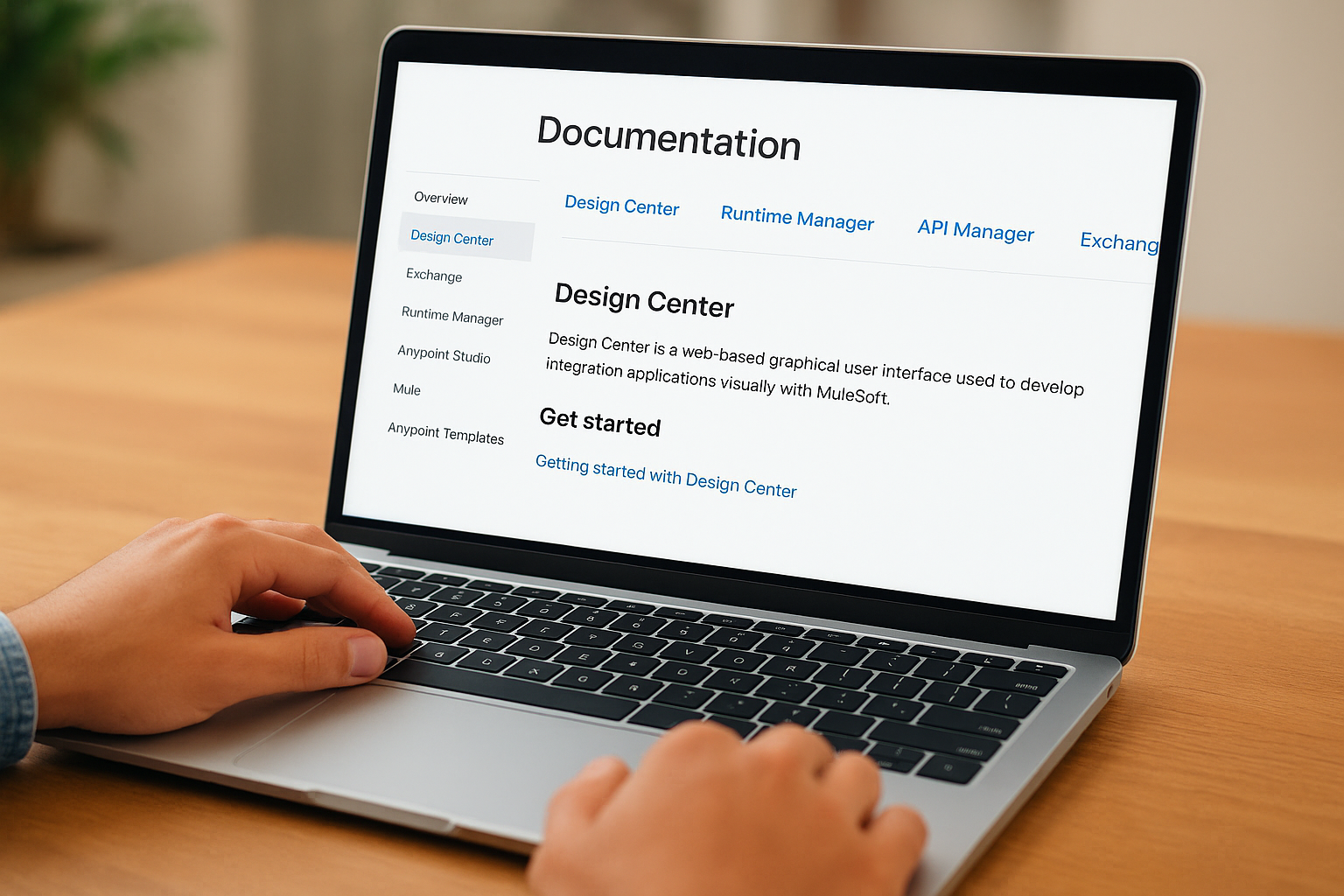
Your role determines which sections matter most. If you manage deployments, focus on Runtime Manager documentation. Developers building integrations should bookmark DataWeave and connector references for quick access during coding sessions.
The documentation’s version selector lets you switch between platform releases to match your current deployment.
Using search and filters effectively
The search function accepts natural language queries or specific technical terms like API names or error codes. You can filter results by product area, content type, and documentation version to narrow thousands of pages to the exact guide you need. Boolean operators help you combine search terms when looking for instructions that span multiple components or configuration scenarios.
Key documentation areas by Anypoint product
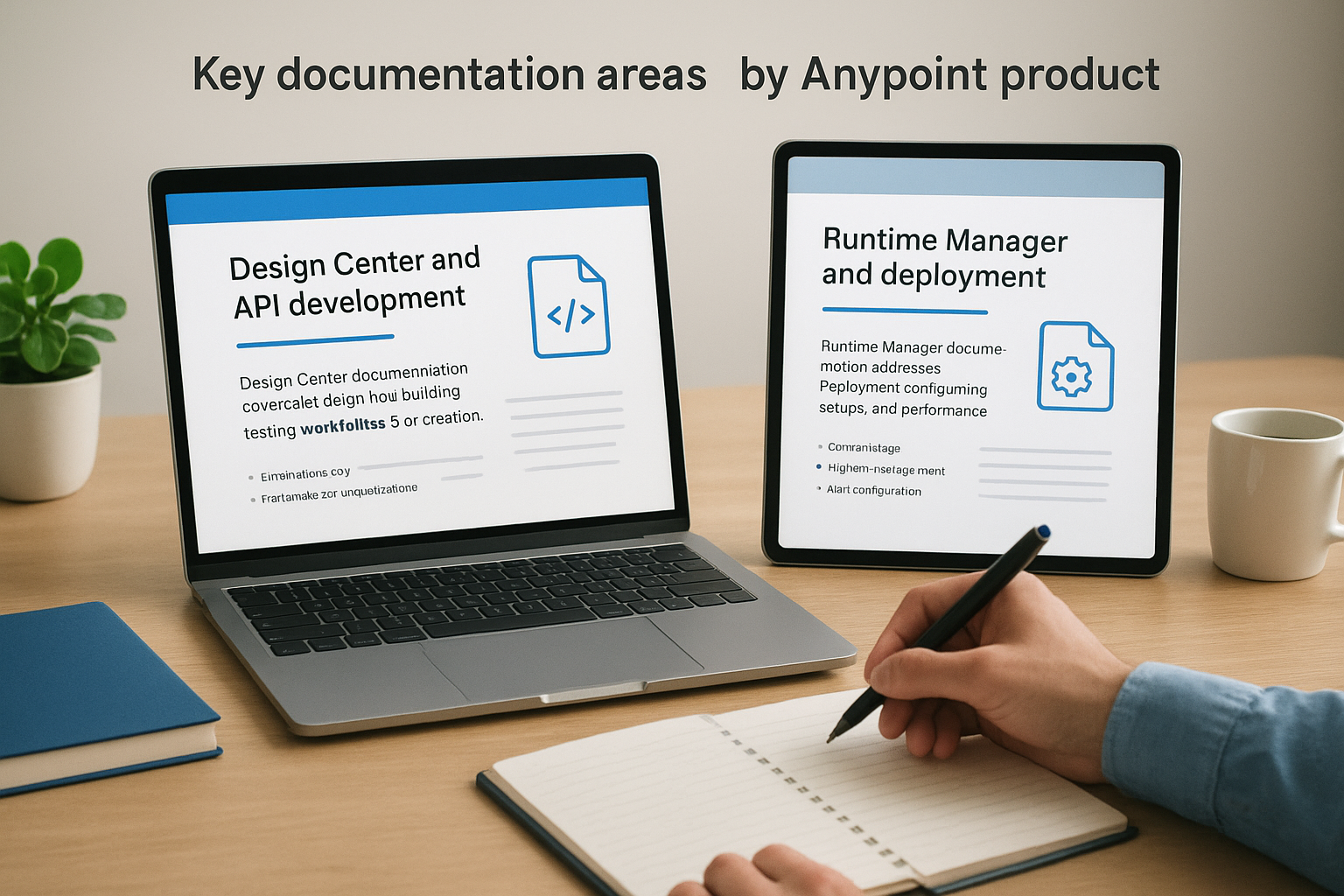
MuleSoft organizes its Anypoint Platform documentation by individual product components, making it easier to find the specific technical information your team needs for each tool in your integration stack. Each product section includes installation guides, configuration references, and troubleshooting resources tailored to that component’s unique capabilities. Understanding which documentation areas support which products helps you direct team members to the right resources faster.
Design Center and API development
Design Center documentation covers API design, flow building, and testing workflows for creating integrations. You’ll find guides on using the visual flow designer to build integration applications without writing code, plus references for RAML and OAS specifications when designing APIs. These resources explain how to configure connectors, transform data, and implement error handling within your integration flows.
The documentation walks you through publishing completed flows to Runtime Manager and setting up automated testing for APIs before deployment.
Design Center guides include reusable flow templates that accelerate development by 50% compared to building from scratch.
Runtime Manager and deployment
Runtime Manager documentation addresses deployment configurations, monitoring setups, and performance optimization for your running integrations. You’ll access guides for deploying applications to CloudHub, on-premises servers, or hybrid environments that span both. These sections detail scaling strategies, log management, and alert configuration to keep your integrations running smoothly after launch.
API references and community-supported docs
The MuleSoft Anypoint Platform documentation includes dedicated API reference sections that provide complete technical specifications for every service endpoint, authentication method, and data structure you’ll work with during integration development. You’ll access OpenAPI specifications, request examples, and response schemas that detail exactly how to interact with each Anypoint Platform API programmatically. These references serve as your technical contract when building custom integrations or extending platform functionality beyond what standard connectors provide.
Official API specification libraries
API documentation sections list every available endpoint with HTTP methods, required parameters, and expected response codes for platform services like Runtime Manager API, Design Center API, and Exchange API. You’ll find code samples in multiple languages including Java, JavaScript, and cURL commands that demonstrate proper authentication headers and request formatting. These specifications update automatically with each platform release to reflect new endpoints or deprecated methods.
API references include sandbox environments where you can test calls before implementing them in production systems.
Community forums and user contributions
Beyond official documentation, MuleSoft maintains community forums where developers share custom solutions, integration patterns, and troubleshooting tips. You can access user-contributed connector examples and best practices that extend beyond what official guides cover, though you should verify these approaches against current platform versions before implementing them.
Next steps
You now understand where to find and how to use MuleSoft Anypoint Platform documentation for your integration projects. The official guides provide the technical foundation your team needs to connect your ERP system with other business applications reliably and efficiently. Start by bookmarking the product-specific sections that match your current implementation phase, whether you’re designing APIs, deploying integrations, or troubleshooting existing connections.
Your integration architecture deserves the same strategic approach you apply to your ERP implementation strategy. At Concentrus, we help midsized companies align their technology investments with measurable financial outcomes through our proprietary ROI Roadmap™ methodology. When you combine proper integration documentation with proven ERP implementation expertise, you eliminate the guesswork and accelerate your path to guaranteed returns.
Ready to ensure your ERP integrations deliver the ROI you need? Discover how Concentrus connects technology strategy with financial results for CFOs who demand accountability from every technology investment.